You’re wasting hours on repetitive tasks—emails, follow-ups, lead scoring—that should run themselves. Yet your “automation” tool? It’s either too clunky to configure or too basic to scale. And the result? Missed opportunities, inconsistent messaging, and a pipeline that leaks like a sieve. What if you could deploy marketing automation that actually works—without hiring a developer or drowning in tutorials?
Why Most Marketing Automation Fails (Before It Even Starts)
Most teams plug into platforms like HubSpot or Mailchimp expecting magic. They don’t get it. Why? Because they treat automation as a plug-and-play toy—not a strategic system. You can’t just slap together a welcome sequence and call it strategy.
Here’s the reality: bad segmentation, poor trigger logic, and zero alignment between sales and marketing doom even the best tools. And most courses? They teach theory—not how to clean data, map real buyer journeys, or A/B test sequences that convert.
The math is simple: garbage inputs = garbage outputs. No software fixes broken foundations.
marketing automation software guide: Build It Right, Step by Step
Forget vague advice. This is how seasoned growth teams actually implement automation that drives revenue—not just activity.
Map Your Customer’s Real Journey (Not Your Ideal One)
Talk to support. Interview churned leads. Find where prospects stall. Then build automations around actual behavior—not assumptions.
Pick Tools Based on Workflow Complexity—Not Hype
If you send one newsletter weekly, Klaviyo might be overkill. If you run multi-channel nurture across SMS, email, and ads? You’ll need ActiveCampaign or Customer.io. Match tool depth to operational reality.
Start Small—but Measure Rigorously
Launch one high-impact sequence: abandoned cart, post-purchase upsell, or re-engagement for inactive users. Track open rates, click-throughs, and downstream conversions—not just delivery stats.
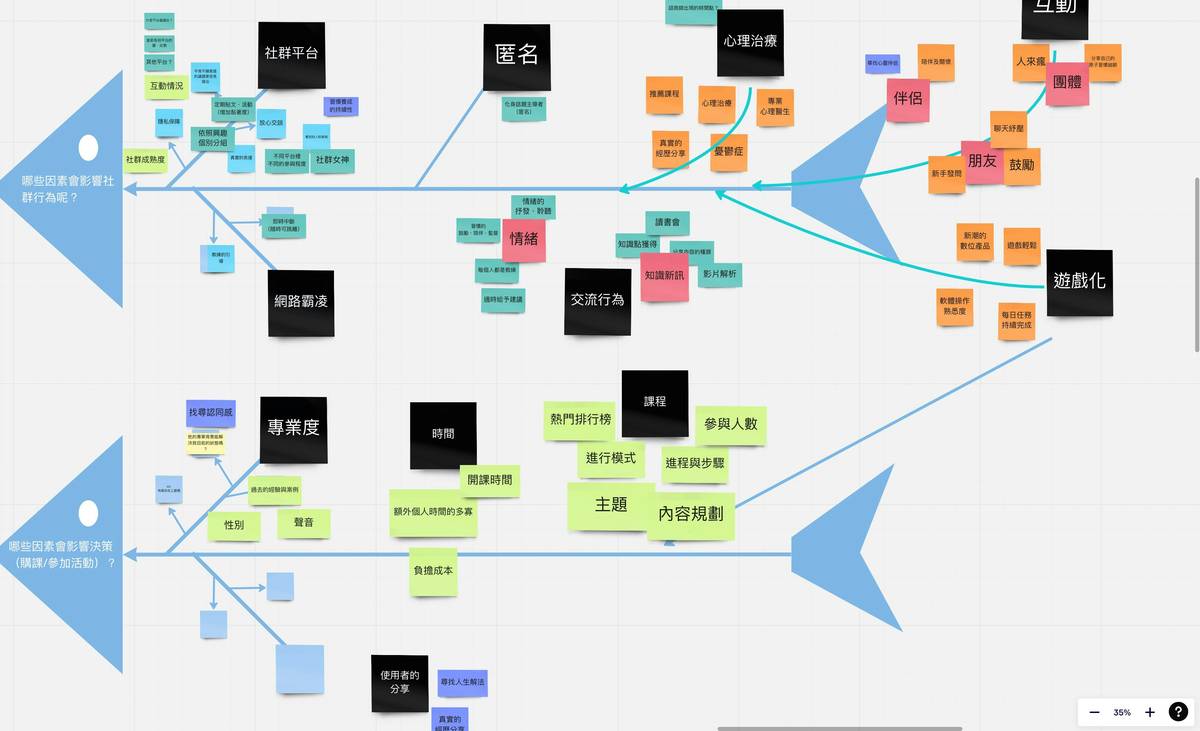
| Tool Tier | Best For | Monthly Cost (Starting) | Critical Feature Missing in Cheaper Options |
|---|---|---|---|
| Entry-Level (MailerLite, Brevo) | Basic email sequences, small lists | $0–$25 | Behavioral triggers beyond opens/clicks |
| Mid-Market (ActiveCampaign, ConvertKit) | Lead scoring, CRM sync, conditional logic | $29–$149 | Multi-touch attribution reporting |
| Enterprise (HubSpot, Marketo) | Full-funnel orchestration, compliance-heavy industries | $800+ | Granular role-based access + audit logs |
Clean Data Before Automating
And this is non-negotiable: deduplicate emails, standardize job titles, remove fake domains. One bot sign-up can skew your entire engagement metrics.

The Industry Secret: Automation Should Get Simpler Over Time
Most teams add more rules, more branches, more chaos. The pros do the opposite. After 90 days, they ruthlessly prune low-performing paths. Good automation isn’t complex—it’s precise.
Here’s an unspoken truth: your best-performing sequence is probably a 3-email flow sent over 7 days. Not a 27-step Rube Goldberg machine. Simplicity scales. Complexity collapses under its own weight—especially when list sizes grow past 10K.
Think about it: Amazon doesn’t bombard you with ten messages after browsing shoes. One reminder. One offer. Done. That’s discipline—not limitation.
Frequently Asked Questions
What’s the fastest way to test if marketing automation software fits my business?
Run a 14-day pilot with your real customer data. Import 500 contacts, build one nurture sequence, and measure deliverability + engagement. Don’t trust demo accounts.
Do I need coding skills to use marketing automation software?
No—for 90% of use cases. Modern tools use drag-and-drop builders. But knowing basic HTML helps tweak email templates. Zapier integrations cover most custom workflows without code.
How often should I update my automation sequences?
Review performance monthly. Refresh copy quarterly. Kill any sequence with under 15% CTR or no conversions in 60 days. Stale automations erode trust.