You’ve built a list. You’ve got traffic. And yet—your open rates stagnate and sales barely budge. Why? Because you’re treating email like a newsletter, not a revenue engine. The fix isn’t more content—it’s smarter automation. This email marketing automation guide reveals how to turn passive subscribers into paying customers without drowning in complexity.
Why Most Email Automation Fails Before It Starts
Business owners plug-and-play tools like Mailchimp or ActiveCampaign, slap together a “welcome sequence,” and call it done. Big mistake.
Automation isn’t about sending emails on autopilot. It’s about engineering conversations that adapt to behavior. Yet 73% of small businesses run static drip campaigns that ignore clicks, purchases, or even unsubscribes from related products. The result? List fatigue. Inbox invisibility. Lost trust.
And here’s the kicker: most platforms make segmentation look easy—but their default workflows assume every lead is identical. They’re not.
Email Marketing Automation Guide: A Practitioner’s Playbook
Forget “set it and forget it.” Real automation thrives on triggers, conditions, and human-like responsiveness. Here’s how to build sequences that feel personal—even at scale.
Map Your Customer’s Real Journey (Not the Idealized One)
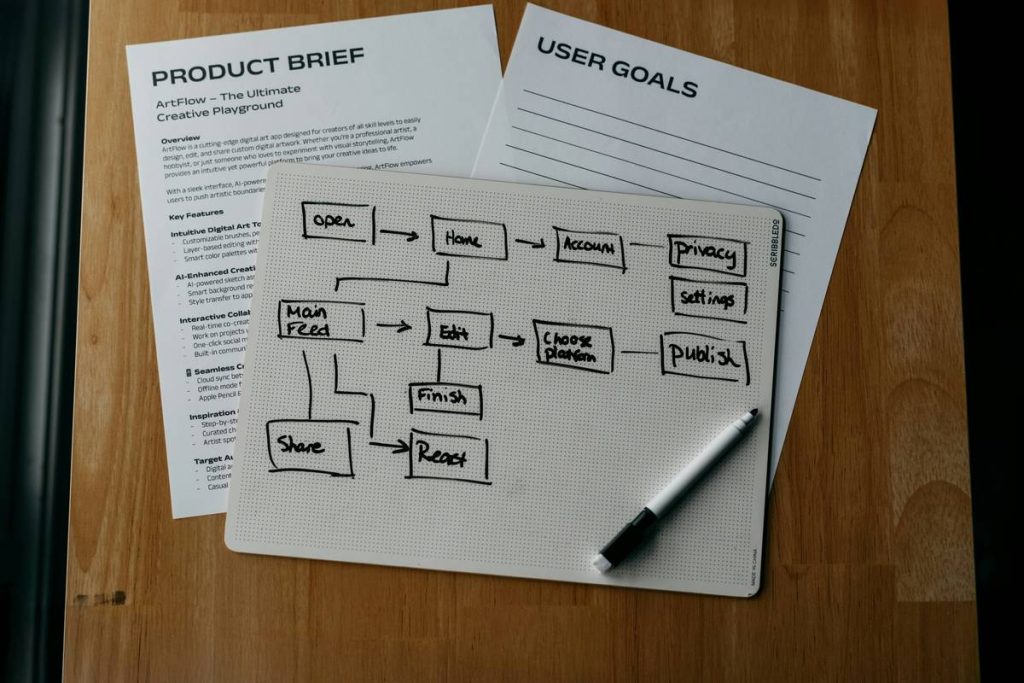
Start by auditing actual user paths—not your sales funnel slide deck. Did they click a pricing page but bail? Abandon a cart after applying a coupon? Track those micro-decisions. They’re gold.
Build Triggers That React, Not Broadcast
A trigger based on “subscribed” is weak. One based on “opened email #2 but didn’t click” is powerful. Layer time delays with engagement checks. Example: Wait 24 hours after signup → if no click on CTA → send case study + softer offer.
Prioritize Value Over Volume
Three hyper-relevant emails beat ten generic ones. Every message must pass the “So what?” test. If it doesn’t solve a problem or answer an unspoken objection, scrap it.
| Approach | Setup Time | Monthly Cost (Est.) | Conversion Lift Potential |
|---|---|---|---|
| Basic Drip Sequence (Time-Based Only) | 1–2 hours | $0–$20 | 5–10% |
| Behavior-Triggered Workflows | 4–6 hours | $30–$80 | 25–40% |
| AI-Powered Dynamic Content (Personalized Offers) | 8+ hours | $100+ | 50%+ |

The Industry Secret No One Talks About
Here’s what SaaS companies won’t tell you: the biggest lift in email performance often comes from pruning, not adding. Most lists are bloated with cold, disengaged contacts who silently tank your deliverability.
Run a re-engagement campaign quarterly. Send one clear message: “Still interested?” If they don’t open or click within 7 days—remove them. Hard bounce risk drops. Inbox placement improves. Your warm audience gets prioritized by algorithms.
Think about it: Gmail’s spam filter doesn’t care how clever your subject line is. It cares if people interact. Clean lists = better visibility = higher ROI. Period.
Frequently Asked Questions
What’s the best tool for beginners in email marketing automation?
Start with Brevo (formerly Sendinblue) or MailerLite. Both offer visual workflow builders under $20/month and don’t penalize you for low send volume.
How long should an automated email sequence be?
It depends on the goal. A lead-nurturing sequence typically runs 4–7 emails over 10–14 days. Cart abandonment? Hit them within 1 hour, then again at 24 and 72 hours.
Can email automation replace sales outreach?
No—but it qualifies leads so your sales team spends time only on hot prospects. Automation handles education; humans handle negotiation and trust-building.